Tavant FinConnect Mortgage Insurance Services Version 1.7

Tavant FinConnect Mortgage Insurance Services Version 1.7
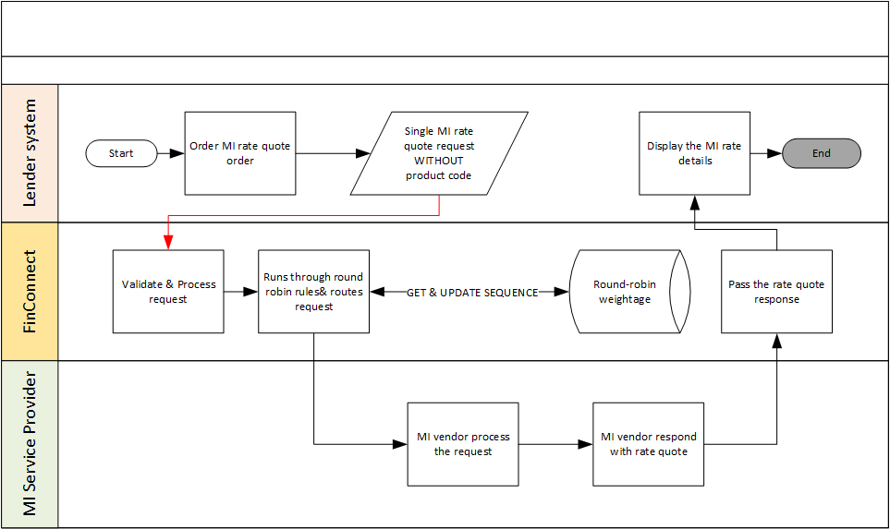
When there are multiple MI service providers for a lender, the lender can set the preference ratio of the requests that need to be sent to each of the service provider. The request handling is based on the round-robin routing rules that provide the lenders the ability to distribute the MI request to the providers according to the weightage set by the lender.
The following steps explain how a lender can configure the preference ratio using FinConnect user interface:
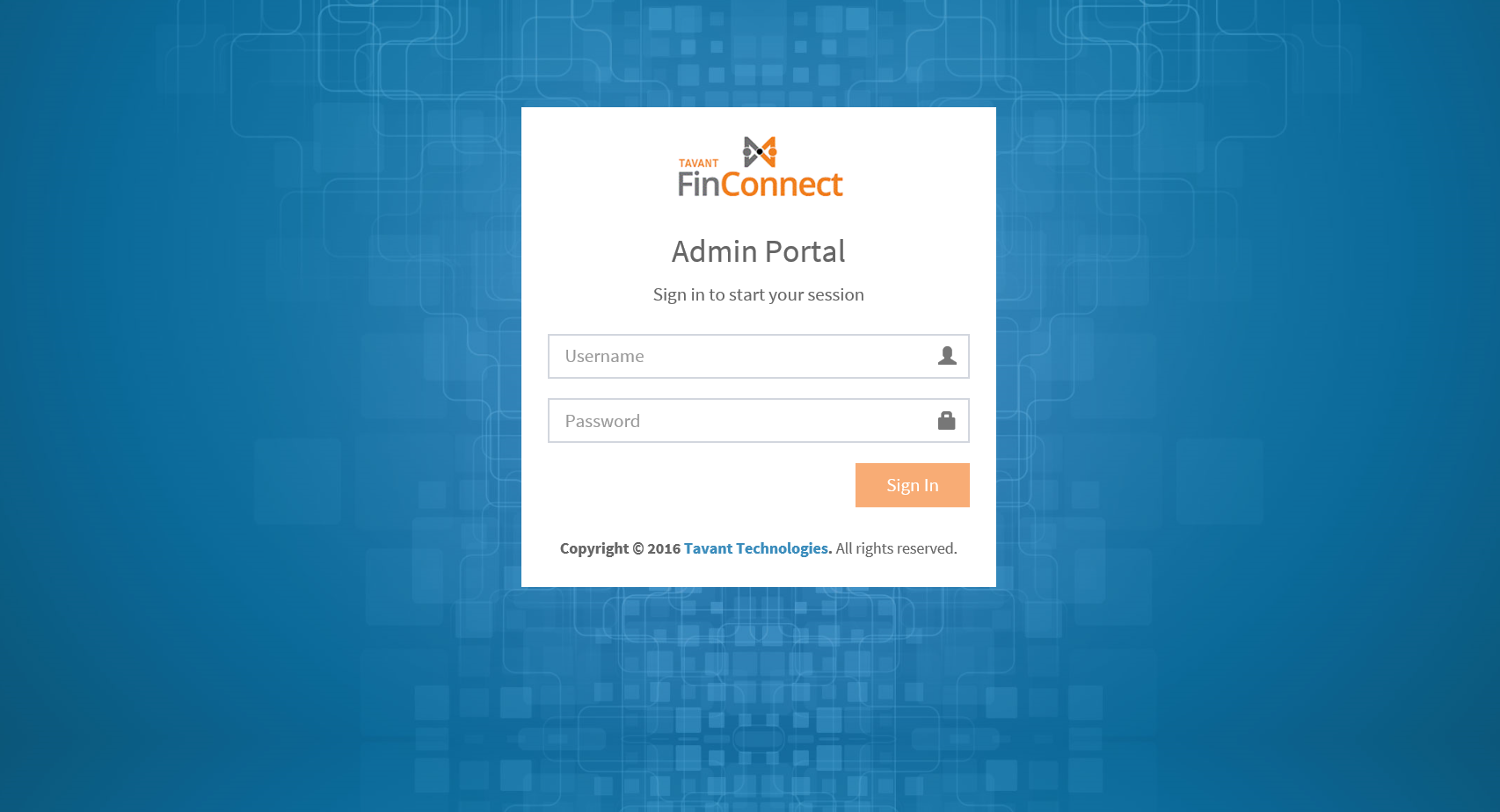
Enter the following URL in the browser to access the Sign-in page: {{baseurl}}/fc-ui/#/
Note: {{baseurl}} = <protocol>:<dnsname>/<contextpath>
The
following Sign-in page is displayed:
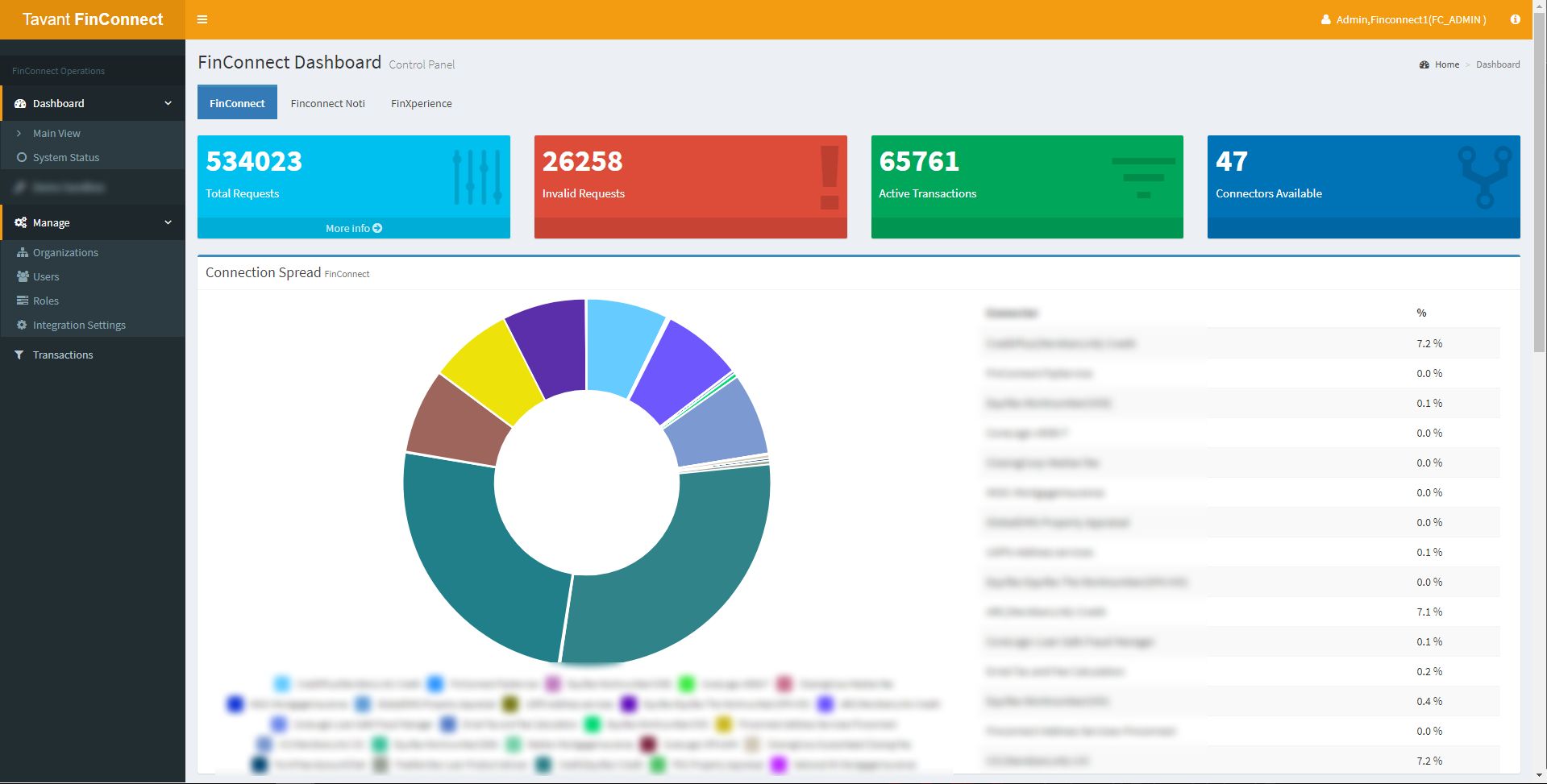
After successful login, the following FinConnect Dashboard Control Panel screen is displayed. On the Manage menu click Organizations.
The following FinConnect Dashboard Mange Organizations screen is displayed. Click + to expand the selected organization to view the customer details.
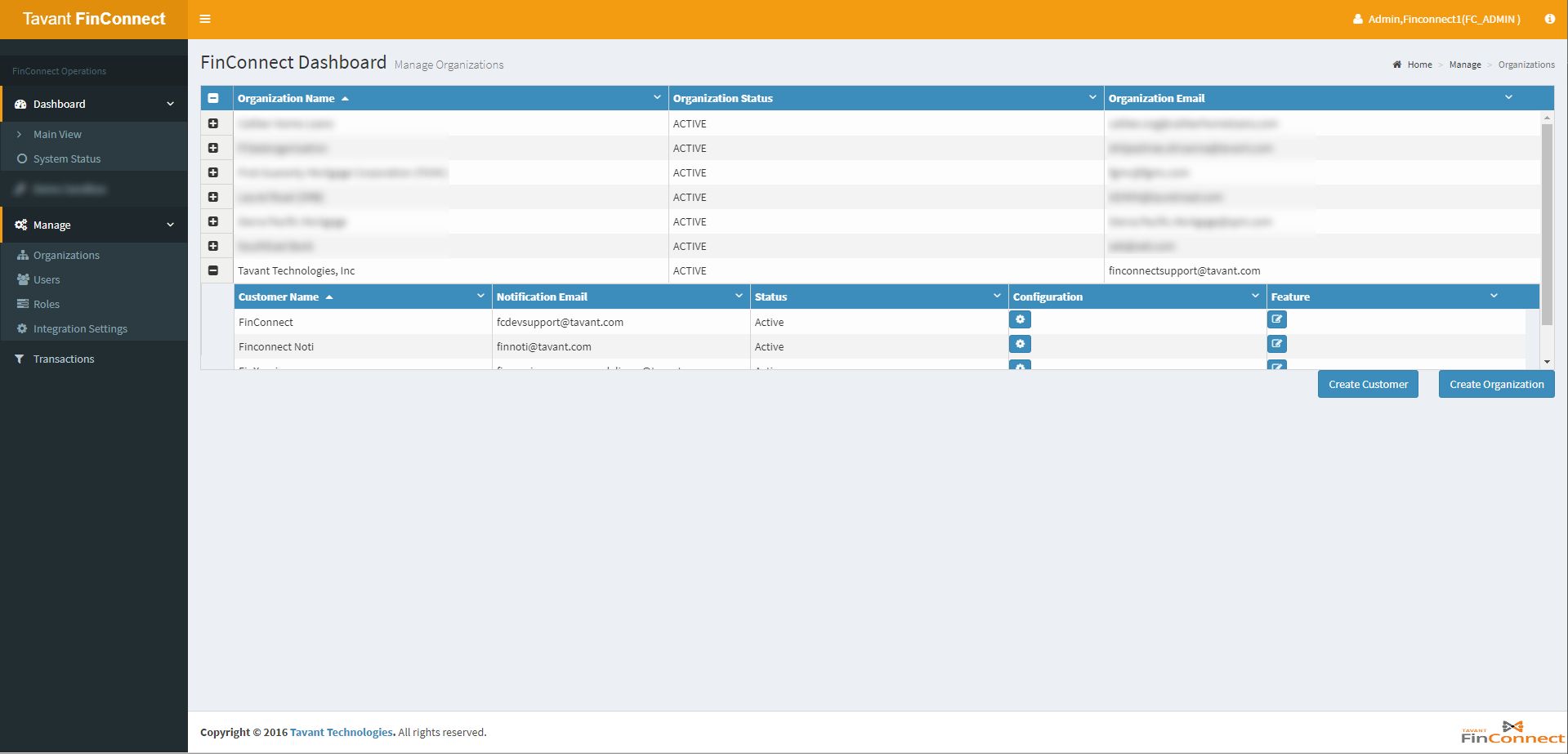
Click
the icon  under the Feature
tab against a customer. The following Multiplexing Setting screen
is displayed. Select a Process Area
and Operation Type. The service
providers (products) available for the selected process area id displayed.
The multiplexing preferences ratio can be updated:
under the Feature
tab against a customer. The following Multiplexing Setting screen
is displayed. Select a Process Area
and Operation Type. The service
providers (products) available for the selected process area id displayed.
The multiplexing preferences ratio can be updated:
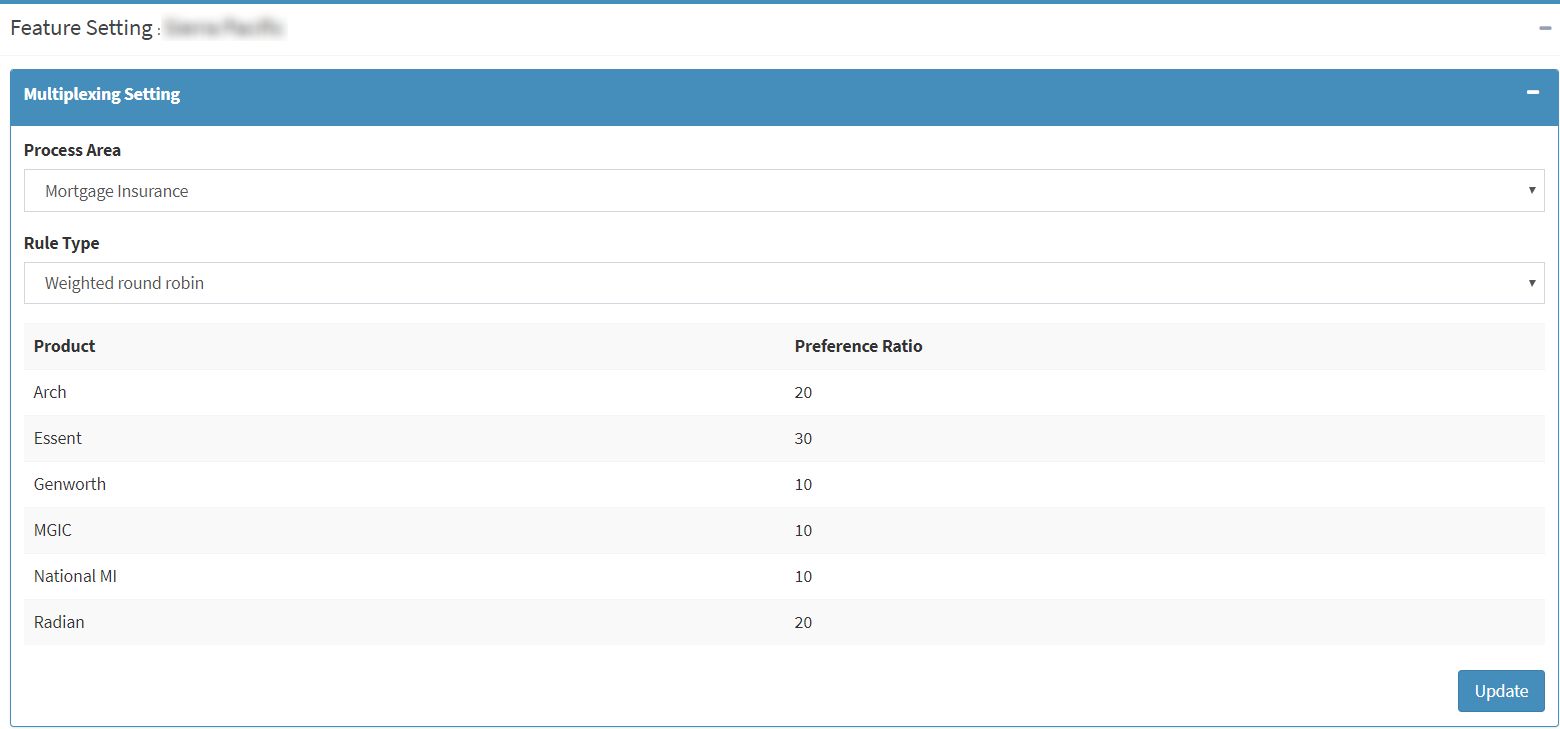
Make sure the sum of preference Ratio value of all the products is 100 and click Update. The multiplexing preferences are updated.